Creating SmartPresets
Step 01 — Select photos
Import a shoot and mark all unedited RAWs (at least 20 images).
Step 02 — Start the Kickstart
Go to Library → Plug-in Extras → Create SmartPreset.
In the window that opens, choose “Kickstart” instead of “Regular creation”.
💡 Tip: “Kickstart” is perfect for quick tests with just 20 images — ideal for specific projects and styles.
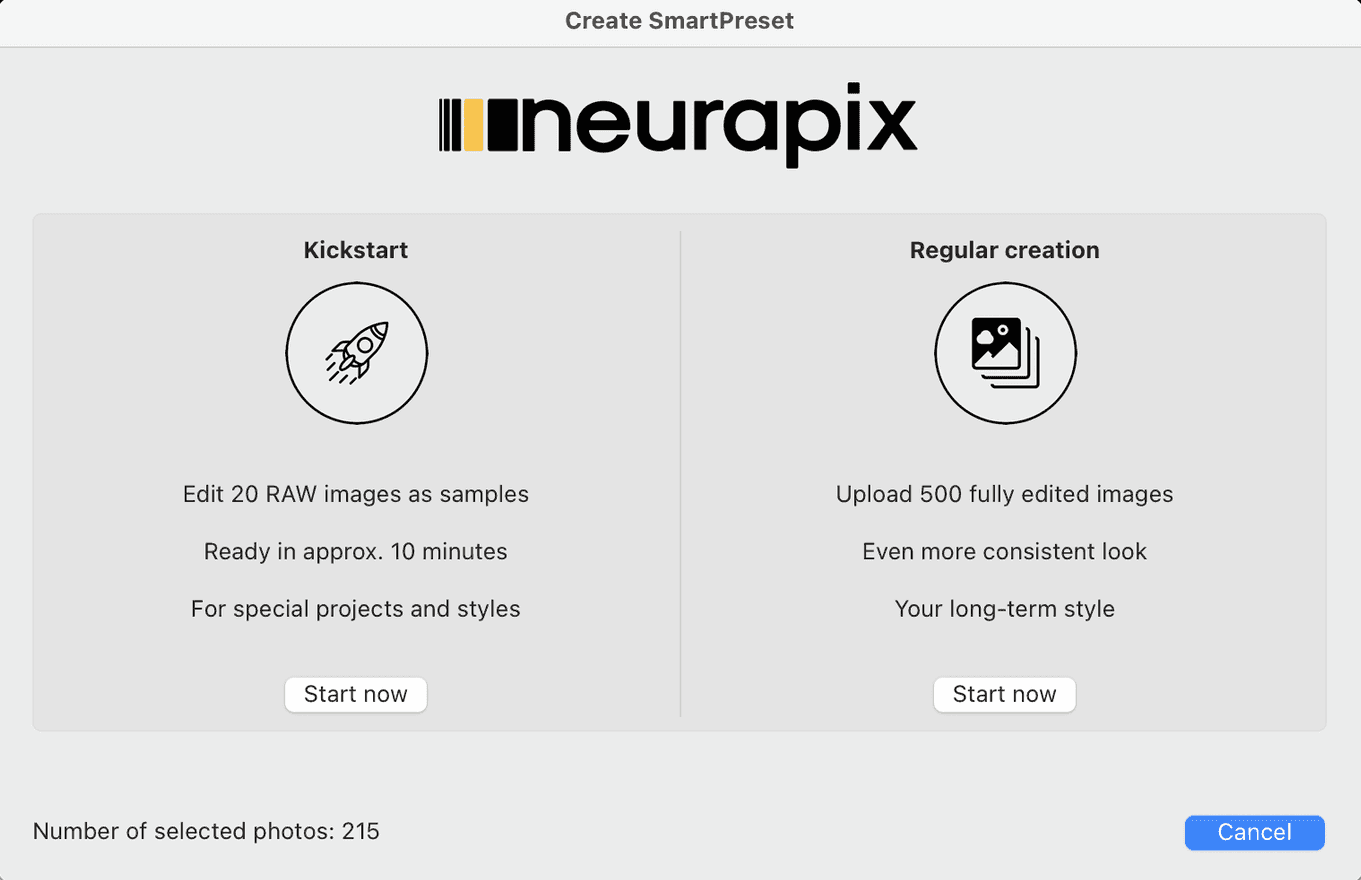
Step 03 — The AI picks 20 photos
Neurapix automatically picks 20 representative photos from your catalog. Confirm the Kickstart process in the following dialog.
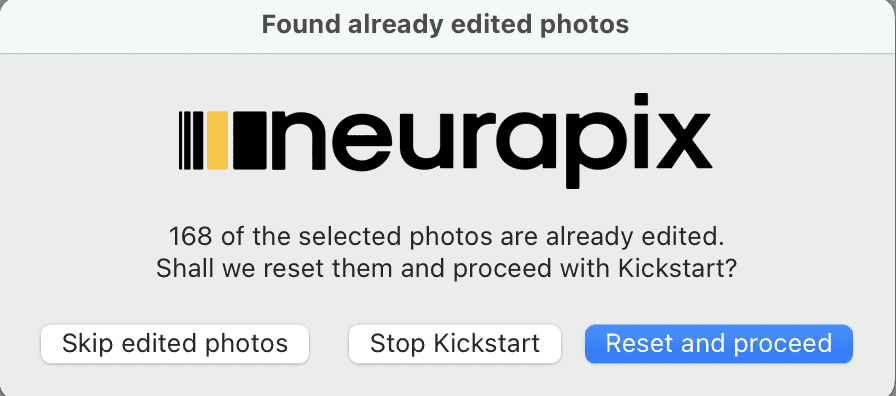
Step 04 — Edit them in your style
Edit the 20 selected photos in your style. Keep your editing as consistent as possible across all images.
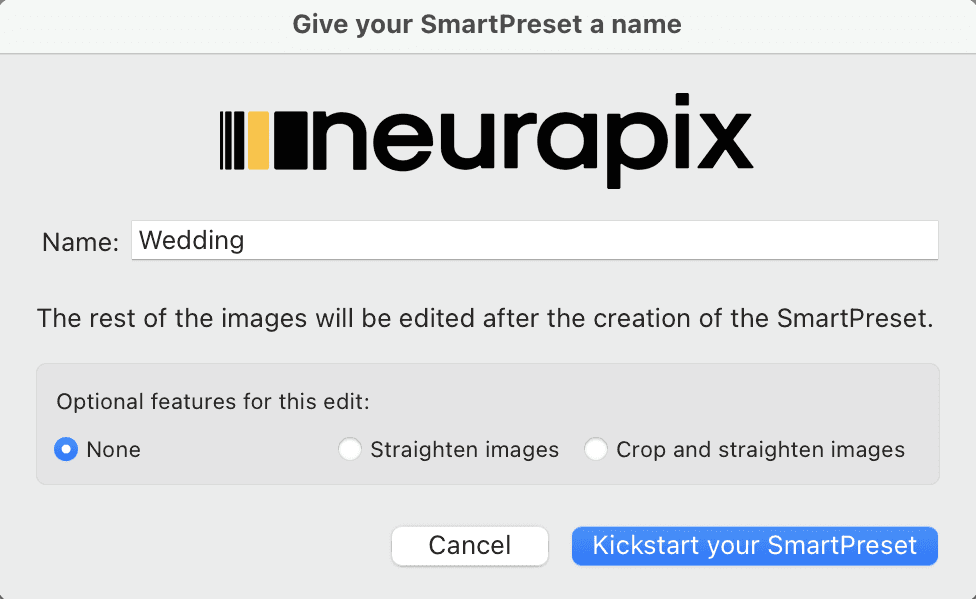
Step 05 — Name your SmartPreset
Run the Kickstart again via Library → Plug-in Extras → Create SmartPreset.
Give your SmartPreset a name and, if you like, choose optional features such as “Straighten” or “Crop and straighten”.
Finally, click “Start Kickstart for your SmartPreset”.
Step 06 — Upload & done
Neurapix now uploads all photos. The remaining RAWs from your shoot are automatically edited in the same style.
💡 Tip: You’ll be notified by email as soon as all images are edited.

Focus on your craft.
Let us do the editing.

AI editing and culling for photographers – right inside Lightroom Classic.